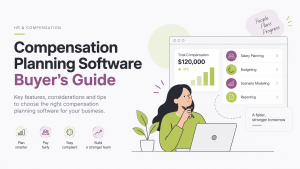
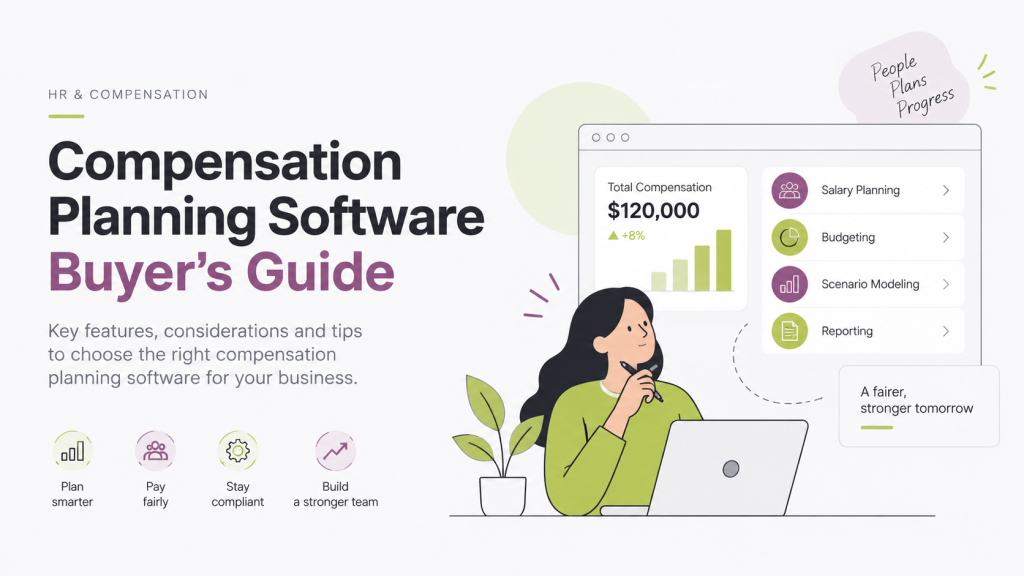
If you’re reading this, you’ve probably already lived through at least one merit cycle held together by a master spreadsheet, three broken VLOOKUPs, and a Slack thread of managers asking why their numbers don’t match finance’s. Comp planning software exists to fix exactly that — but the market is crowded, feature lists all start to sound the same after the fifth demo, and a bad platform choice locks you into a bad process for years. This guide on compensation planning software, is built to be used two ways: read it end to end to understand what actually matters when evaluating comp planning software, or skip straight to the RFP checklist section and drop it into your own vendor evaluation document.
TL;DR
- Comp planning software makes sense once merit cycles take longer than 3–4 weeks, pay equity issues surface, or you’re managing pay across multiple countries or currencies.
- Core functionality to expect: budget management, salary band/market data, merit cycle workflows, pay equity analysis, reporting, and employee-facing total rewards statements.
- Ten evaluation criteria matter most: implementation time, HRIS integration depth, handling of global/complex pay, configurable approval workflows, pay equity capability, AI/automation transparency, exportable reporting, security/permissions, pricing at scale, and support model.
- A full RFP checklist covers company fit, functionality, global complexity, data integration, pay equity/compliance, security, and commercial terms — use it as a floor, not a ceiling.
- Stello AI is built around AI-driven budget modeling, increase recommendations, and proactive pay equity flagging — with cash, bonus, and equity planning in one workflow and support for 180+ currencies.
- No vendor guide is neutral — get answers in writing, run a live scenario with your own data, and talk to a reference customer at your size before signing.
Who Needs Compensation Planning Software (And Who Doesn’t Yet)
Not every company needs a dedicated platform. If you’re running your first or second merit cycle with fewer than 50 employees, a well-built spreadsheet template is often still the right tool — the switching cost of new software can outweigh the benefit at that scale.
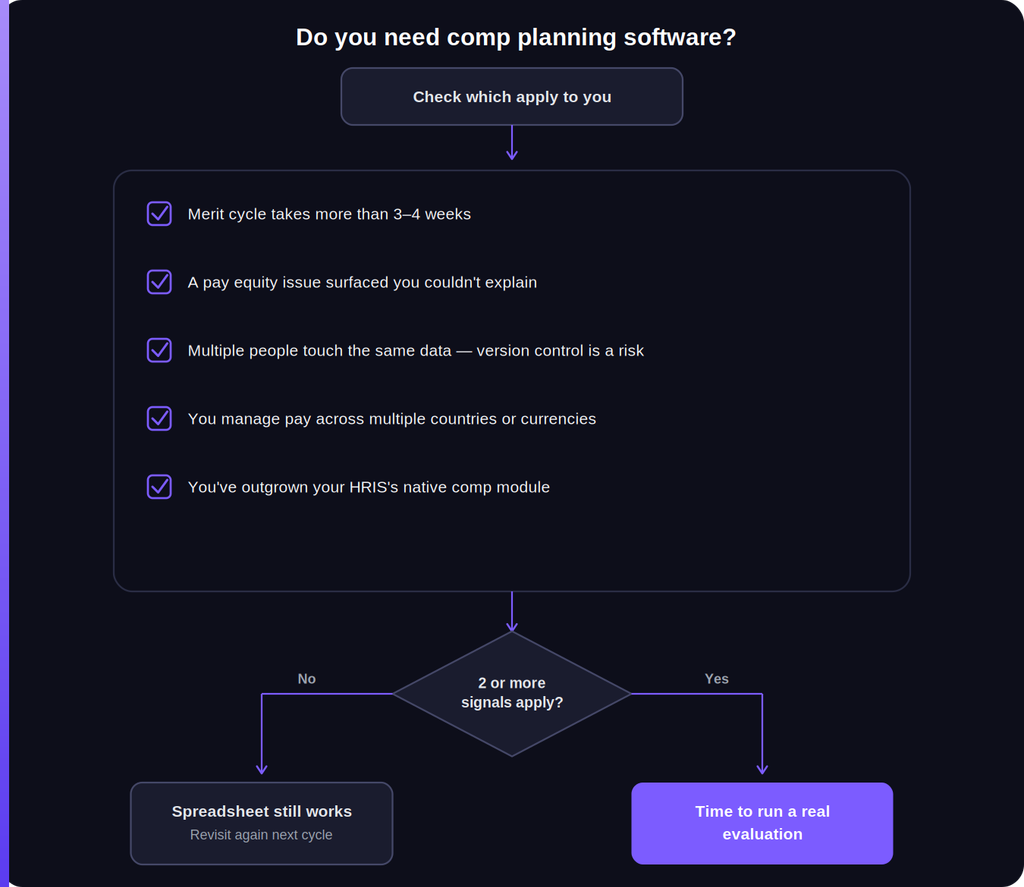
The signal that you’re ready to buy typically shows up as one or more of these:
- Your merit cycle takes more than 3–4 weeks from budget approval to letters going out
- You’ve had a pay equity issue surface that you couldn’t explain with confidence
- Multiple people (comp, HR, finance, dozens of managers) all need to touch the same data simultaneously, and version control has become a real risk
- You’re managing pay across multiple countries or currencies
- You’ve outgrown your HRIS’s native comp module, or your HRIS doesn’t have one
If two or more of these apply, it’s worth running a proper evaluation rather than patching the spreadsheet again.
Also read: What is Pay Transparency? A Complete Guide for US Employees and Employers
What Compensation Planning Software Actually Does
At a baseline, compensation planning platforms typically handle some combination of:
- Budget management — setting and tracking merit, bonus, and equity budgets across departments and modeling different scenarios before committing
- Salary band and market data management — housing your pay ranges and comparing them against external benchmark data
- Merit cycle workflows — routing recommendations through manager approvals, tracking status, and enforcing budget guardrails in real time
- Pay equity analysis — flagging disparities by comparing pay against role, level, tenure, and sometimes protected-class demographics
- Reporting and audit trails — giving comp and finance teams a defensible record of who decided what, and why
- Employee-facing statements — showing employees their total compensation (base, bonus, equity) in one place rather than three separate emails
The differences between vendors show up less in whether they check these boxes and more in how well each piece actually works, how much manual data wrangling it still requires, and how it fits your specific complexity (global payroll, equity plans, multiple job families).
Also read: Total Rewards Strategy: A Complete Guide for HR and Comp Teams
Key Evaluation Criteria
1. Time-to-value and implementation complexity
Ask vendors directly: how long from signed contract to running your first live merit cycle in the tool? Answers range from a couple of weeks to several months depending on how much data migration and HRIS integration work is involved. A platform that takes two quarters to implement isn’t automatically wrong for you, but you need that timeline going in, not discovering it mid-implementation.
2. HRIS and data integration depth
Comp data is only useful if it’s accurate and current. Ask whether integration with your specific HRIS (Workday, BambooHR, Rippling, ADP, etc.) is a native, maintained connector or a one-time CSV import that goes stale after go-live. The difference matters enormously for ongoing accuracy.
3. Handling of your actual pay complexity
If you pay across multiple countries, get specific about currency handling — real-time conversion vs. static rates updated periodically can materially change budget accuracy for global teams. If you grant equity, check whether the platform handles equity refresh planning and dilution modeling, or only cash comp. If you have hourly or commission-based roles, confirm the platform doesn’t assume every employee is salaried.
4. Configurability of workflows and approval chains
Every organization’s approval chain is a little different — some route through a single manager, others require HRBP sign-off, finance approval, and a compensation committee review for anything above a threshold. Ask to see the actual workflow builder, not just a description of it.
5. Pay equity and audit capability
This has become close to non-negotiable given the pace of pay transparency legislation. Ask specifically how the platform flags disparities — is it a one-time report you run manually, or does it surface flags proactively during the planning process itself, before a problematic decision gets locked in?
6. AI and automation depth (and where it stops)
Many platforms now market “AI-powered” recommendations. Push past the marketing language and ask precisely what the AI does: Does it recommend increase amounts based on performance and range position? Does it flag compression or equity risks automatically? Can it answer ad hoc questions about your comp data in plain language instead of requiring a report to be built? And critically — can a human always see and override the reasoning behind a recommendation? Automation that can’t be explained to an auditor or an employee is a liability, not a feature.
7. Reporting depth and exportability
Confirm you can get data out of the platform as easily as you got it in. Locked-in reporting that can’t be exported to your board deck format or your finance team’s preferred structure creates a second layer of manual work that defeats the purpose of buying the tool.
8. Security, permissions, and data residency
Comp data is among the most sensitive data any company holds. Confirm role-based permissioning (a manager should see their team’s data, not the whole org’s), SOC 2 compliance status, and data residency options if you operate under GDPR or similar regimes.
9. Pricing structure and scaling cost
Per-employee, per-admin-seat, and flat-platform pricing models all exist, and the “cheap” option at your current headcount can become the expensive one at 2x headcount. Model your cost at your current size and at a realistic 12–24 month growth projection before signing.
10. Support and customer success model
Ask who you’ll actually talk to after implementation — a dedicated CSM, a shared support queue, or self-serve documentation only. Comp cycles are time-pressured by nature; a slow support response during an active cycle is a real operational risk.
Also read: What is Pay Transparency? A Complete Guide for US Employees and Employers
The RFP Checklist
Use this as a starting template — add or remove line items based on your organization’s specific requirements.
Company and product fit
- How many customers of our size and industry are currently live on the platform?
- What is the average implementation timeline for a company our size?
- Is the AI/automation layer optional, or does it require adopting it to use the platform at all?
Functionality
- Does the platform support base pay, bonus, and equity planning in one workflow, or are these separate modules/products?
- Can budget scenarios be modeled and compared before final approval?
- Does the platform calculate compa-ratio and range penetration automatically?
- Can approval workflows be configured to match our specific chain (manager → HRBP → finance → comp committee)?
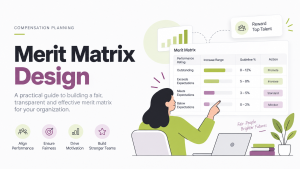
- Does the platform support merit matrix logic (performance x range position) natively, or does that need to be built manually?
- Can it handle ad hoc/off-cycle increases outside the annual cycle, with the same approval and audit rigor?
- Does it generate employee-facing total rewards statements?
Global and complexity handling
- How many currencies are supported, and is conversion real-time or static?
- Does the platform handle multi-country pay equity requirements (e.g., EU Pay Transparency Directive, UK gender pay gap reporting)?
- Can it accommodate hourly, commission, and non-standard pay structures?
Data and integration
- Which HRIS platforms have native, maintained integrations?
- How is data kept in sync between the HRIS and the comp platform (real-time, daily sync, manual import)?
- What happens to our data if we terminate the contract — is export guaranteed and in what format?
Pay equity and compliance
- What specific pay equity checks run automatically during planning, not just in a retrospective report?
- Does the platform maintain an audit trail sufficient for a compliance review or litigation discovery request?
Security
- What compliance certifications does the platform hold (SOC 2 Type II, ISO 27001)?
- What are the role-based permission options, and can they be customized per team?
Commercial
- What is the full pricing model, including any per-admin, per-integration, or per-module fees?
- What does implementation support cost, and is it included or billed separately?
- What is the contract term, and what are the cancellation terms?
Where Stello AI Fits
Since this is Stello’s own guide, it’s worth being direct about where the platform fits into the criteria above rather than pretending we’re a neutral bystander.
Stello AI is built specifically around the automation and equity questions in sections 5 and 6: it uses AI to model budget scenarios, generate increase recommendations that account for performance and range position, and surface pay equity flags — comparing team medians against band midpoints — during the planning process rather than as an after-the-fact report. The platform runs cash, bonus, and equity planning in a single workflow rather than as separate modules, supports 180+ currencies with live conversion for global teams, and includes an AI Compensation Agent that can answer plain-language questions about comp data and run calculations on demand, alongside a Total Rewards Portal where employees can see their full compensation picture in one place.
None of that makes Stello the right fit for every organization on this list — the honest answer to several of the RFP questions above depends on your HRIS, your headcount, and your specific compliance footprint, and that’s exactly the kind of thing worth confirming directly in a demo rather than taking on faith from any vendor’s own guide, including this one.
Final Thought
The best compensation planning software isn’t the one with the longest feature list — it’s the one that fits how your organization actually makes pay decisions today, and has enough room to grow into how you’ll make them at twice your current headcount. Use the RFP checklist above as a floor, not a ceiling: the specific questions that matter most will be different for a 100-person single-country company than for a 2,000-person org running payroll across six countries. Get the vendor’s answers in writing, run at least one live scenario with your own data during the evaluation, and talk to a reference customer at your approximate size before signing anything.